 11
11
Creating a home workspace that is both clutter-free and functional can significantly improve your productivity and overall work experience. Whether you work remotely full-time or occasionally need a dedicated area for focused tasks, organizing your workspace is essential. This guide offers practical tips to help you design an efficient, calming environment free from distractions.
A cluttered desk can lead to stress, distractions, and reduced productivity. When your workspace is neat and well-organized, you can find items quickly, maintain better focus, and feel more motivated. Organization doesn’t mean rigid perfection; it’s about creating a setup that works best for you.
Select a spot with enough natural light, if possible. Good lighting reduces eye strain and makes your workspace more inviting. Consider a quiet area that minimizes interruptions.
Make a list of items you use daily and frequently. These include your computer, notebooks, pens, chargers, and any other tools. Knowing your essentials helps you organize with intention and eliminate unnecessary items.
Start by sorting everything on and around your desk. Separate items into categories: keep, discard, and relocate. Be honest about what you really need.
To maintain clutter control, try removing one item each time you add something new to your workspace. This rule helps prevent accumulation over time.
– Drawers and Organizers: Invest in desk drawers with compartments for pens, paper, and gadgets.
– Shelving Units: Wall-mounted shelves can hold books and files while freeing up desk surface area.
– Storage Boxes: Use boxes or bins to store less frequently used supplies neatly.
Place the most important items close by to reduce the time spent searching or moving around.
Aim to keep your desktop as clear as possible to provide ample space for work. A minimalist approach encourages focus and prevents visual distractions.
Use cable clips, ties, or a cable management box to keep cords organized and off your desk. This not only improves aesthetics but also safety.
A dedicated charging station can streamline power management and reduce tangled cables.
Adding a few personal touches can make your workspace inviting without creating clutter.
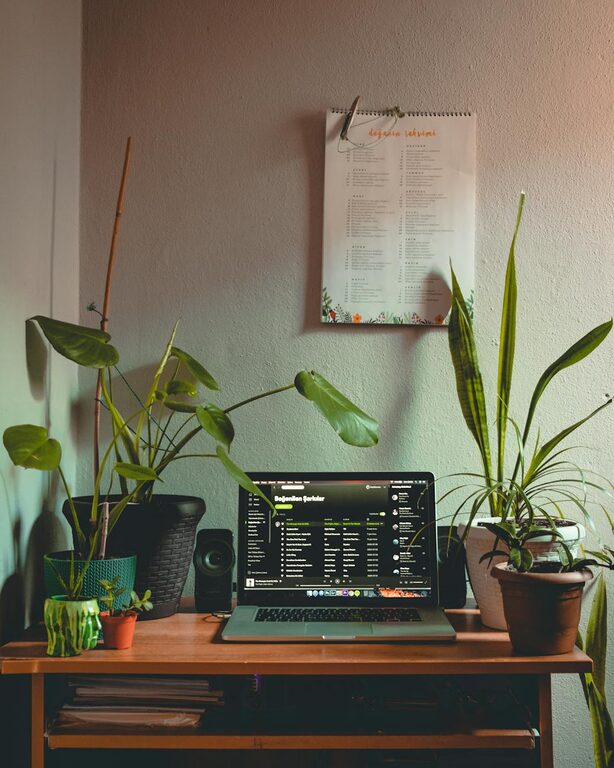
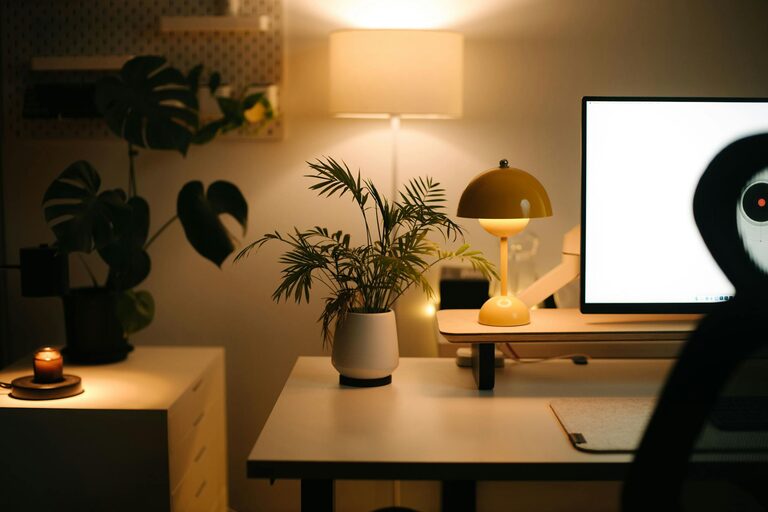
– Use a small plant to add greenery and freshen the air.
– Select a motivational photo or a piece of art that inspires you.
– Choose desk accessories that reflect your style but are also functional.
Spend a few minutes at the end of each day tidying your workspace. Put away papers, organize supplies, and clear any coffee mugs or dishes.
Do a more thorough clean and declutter once a week to keep your space in top shape.
Don’t forget your computer desktop and files. Regularly sort and back up digital documents for easier access.
Proper ergonomics reduce strain and fatigue. Your chair should support your lower back, and your desk height should allow comfortable arm positioning.
Place your computer screen at eye level to avoid neck strain.
Use task lighting or adjustable desk lamps to ensure your workspace is well-lit when natural light is insufficient.
Organizing a clutter-free and functional home workspace involves thoughtful planning, effective storage, regular maintenance, and attention to ergonomics. By creating an environment that suits your work habits and style, you can enhance your productivity and enjoy a more pleasant working atmosphere.
Remember that the ideal workspace is one that adapts to your needs and grows with you over time. Start small, be consistent, and make adjustments as needed. Happy organizing!